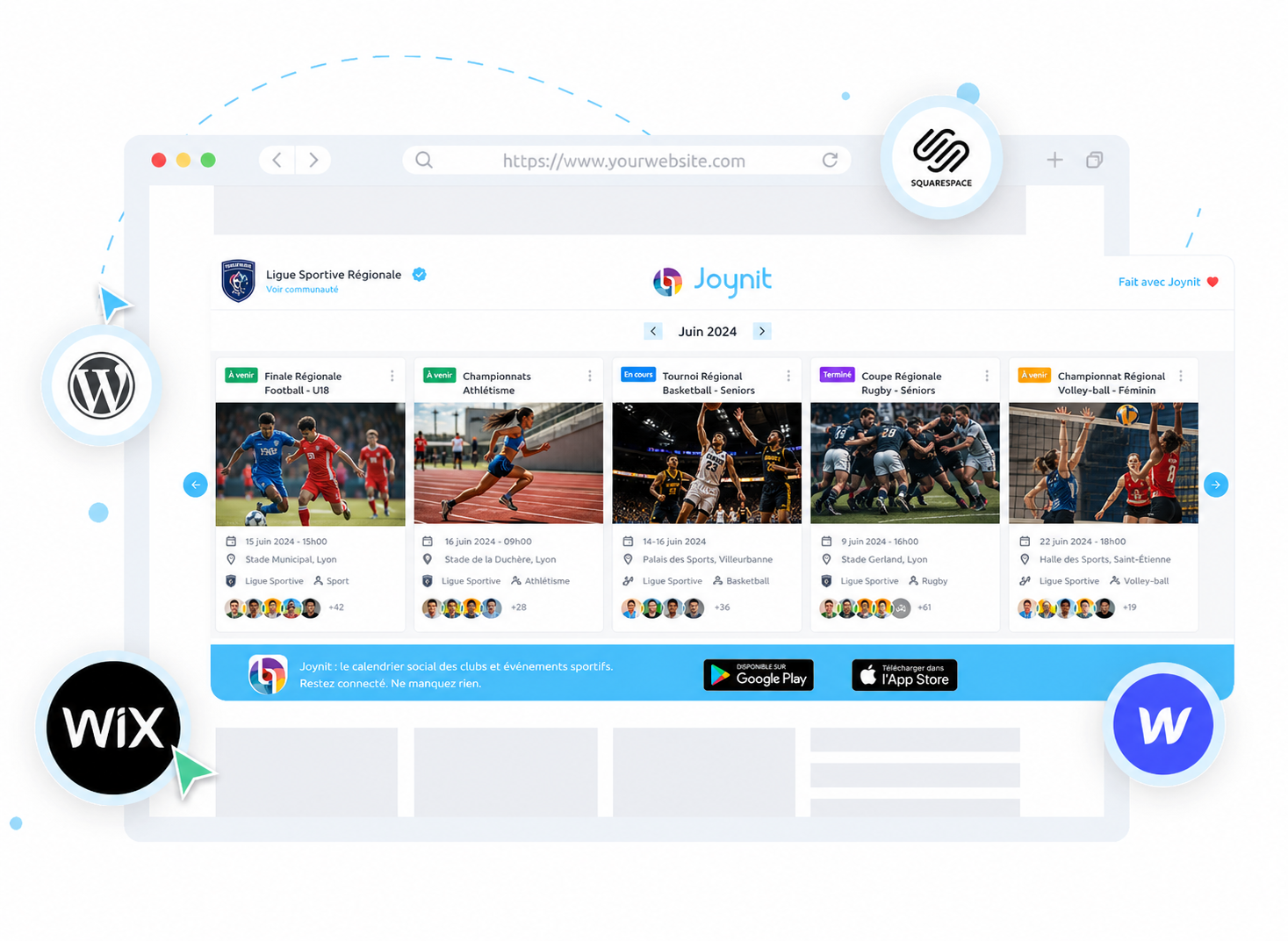
Joynit is an embeddable calendar plugin that lets you display your shared calendar directly on any website β no coding required, regardless of the platform you use.
β
Using a simple iframe integration, your events appear live on your site in just a few clicks.
β
βHow it works:
βCreate your shared calendar on Joynit
Get your embed code from the plugin settings
Paste it into your website
That's it.
Adding a calendar to your website with Joynit requires no development. Copy your embed code, paste it into your page β done.
The Joynit calendar plugin works on any website, regardless of the platform or CMS you use. It is fully compatible with WordPress, Webflow, Wix, Weebly, Squarespace, and any custom-built site. Same experience everywhere.
The embed is based on a secure iframe β no plugin to install, no complex setup, no redirection. Your calendar displays directly on your page, fully integrated with your site's layout.
The calendar embed is free. Once set up, any change you make in Joynit β new event, update, cancellation β is automatically reflected on your website. No need to touch the code again.

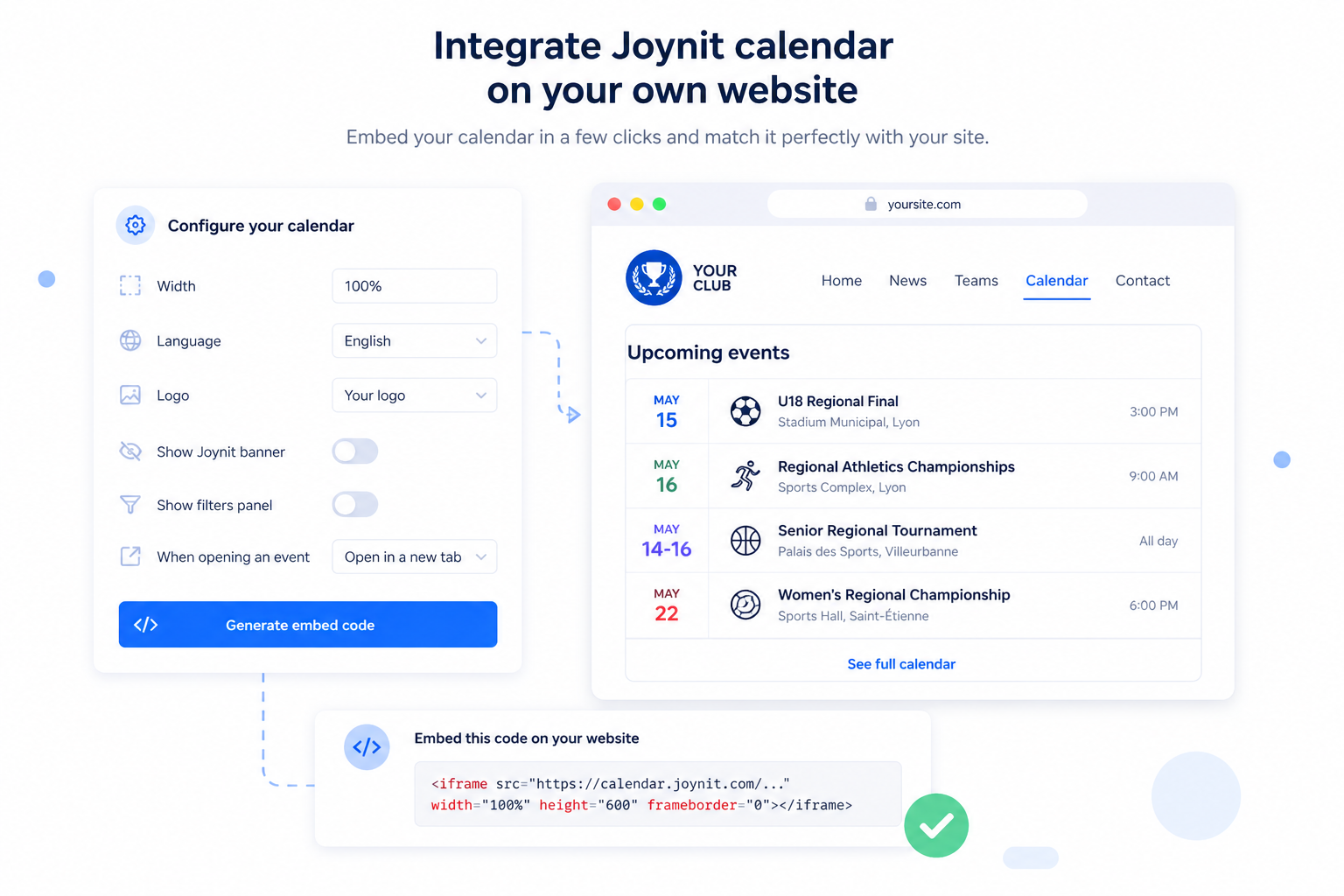
In your admin area, click the settings menu and select "Embed on your website" to access the plugin setup.
Adjust the display settings β size, language, view format β to match your website's design.
Paste the generated code into any HTML block on your site. No developer needed in most cases.
Multiple views and display options are available.

The Joynit calendar plugin gives you full control over how your calendar looks and behaves on your site β no matter the platform.
From the settings interface, you can adjust:
βDimensions β set the width to fit your layout
βLanguage β display the calendar in the right language for your audience
βDisplay format β choose between calendar view, list view, or carousel
βJoynit branding β hide the Joynit banner for a seamless experience
βYour own logo β add your logo directly to the embedded calendar

The embedded calendar follows the same security rules as your Joynit account. You choose who can see it β and change that at any time without touching the code on your website.
βYour access options:
Public β anyone visiting your site can view the calendar
βRestricted β limit access to specific members or user groups
βProtected β secure the calendar with an access code
Any change made in Joynit is instantly reflected on your embedded calendar. No manual update, no re-publishing, no code change needed.

Get help installing the Joynit calendar plugin on your website. Book a demo.